
From Zero to Symphony: How to Set Up Your Whole Home Audio System
Learn how to set up a whole home audio system. Plan, install, and control seamless sound throughout your entire house, wired or wireless.
Why Every Room in Your Home Deserves Great Sound
How to set up a whole home audio system starts with a clear goal: music in multiple rooms, controlled independently or together, without wire clutter or connection drops. Here's the quick roadmap:
- Plan your audio zones: Decide which rooms need sound.
- Choose wired or wireless: Wired offers superior quality and reliability; wireless provides flexibility and easier installation.
- Gather essential components: You'll need a multi-channel amplifier, speakers, source devices, speaker wire (for wired), and a control system.
- Run the installation: For wired systems, run CL2/CL3 rated speaker wire to a central amplifier. For wireless, connect speakers to your Wi-Fi network.
- Set up zone control: Use apps, keypads, or voice assistants to manage each room.
- Test and adjust: Verify each zone works, adjust volumes, and group zones as needed.
Imagine your favorite playlist flowing seamlessly as you move through your home. A properly configured whole-home audio system makes this a reality, and it's more achievable than you might think. Whether you're building, renovating, or upgrading, the right setup transforms your home. Wired systems offer best reliability and sound quality, ideal for new construction or remodels. Wireless systems provide flexibility, letting you start small and expand anytime, which is perfect for existing homes.
The key is thoughtful planning and choosing the right components. For wired systems, professional installation can save significant headaches. If you're exploring broader home automation, check out our guide to smart home wiring, or get started with a professional distributed whole house audio consultation.
How to set up a whole home audio system terms to learn:
- multi room bluetooth speaker set
- whole home entertainment system
Step 1: Plan Your Home's Sonic Blueprint
Before buying any gear, the most crucial step is creating a sonic blueprint for your home. Careful planning of room size, acoustics, speaker placement, and wiring ensures an optimal multi-zone experience.
Define Your Audio Zones
A whole-house system divides your home into zones, each with dedicated speakers and independent audio control. You can play jazz in the living room and a podcast in the kitchen simultaneously, or group zones for a party so the same music flows everywhere.
Common zones include:
- Living Room: The primary entertainment hub, often integrated with a home theater.
- Kitchen: Ideal for background music or podcasts.
- Bedrooms: For relaxing music or ambient sounds.
- Patio/Outdoor Spaces: Requires weather-resistant speakers to extend entertainment outdoors.
- Office/Den: For focused listening or background ambiance.
Defining zones determines the type and number of speakers and control options needed.
Plan Speaker Placement and Wiring
Speaker placement is key to sound quality. For the best stereo image, position speakers at ear level when seated. For a discreet look, many homeowners choose in-wall or in-ceiling speakers that blend into the decor. Bookshelf or floor-standing speakers offer more placement flexibility.
For wired systems, wiring is paramount. Plan the most efficient routes to run speaker wires from a central location to each speaker. Always use CL2 or CL3 rated in-wall speaker wire to meet fire safety codes. For stereo pairs, 14/4 wiring is often recommended. Using conduits offers extra protection and makes future upgrades easier.
If you're building or renovating, this is the ideal time to integrate a structured wiring system for all your smart home needs. To learn more, see our guide to smart home wiring.
Step 2: Choose Your System Type: Wired vs. Wireless
A key decision when learning how to set up a whole home audio system is choosing between a wired or wireless setup. Your home's layout, project timeline, and priorities will guide this choice.
FeatureWired Whole-Home Audio SystemsWireless Whole-Home Audio SystemsSound QualitySuperior sound quality, higher definition, gold standardMay compromise audio fidelity, good for convenienceReliabilityHigh reliability, stable connections, not dependent on Wi-Fi stabilityRelies heavily on Wi-Fi network stability, potential for dropoutsInstallationRequires professional installation, complex, often involves drilling and physical connectionsEasier to set up, often DIY-friendly, plug-and-playFlexibilityLess flexible once installed, fixed speaker locationsHighly flexible, scalable, portable speakers, easy to add/remove zonesAestheticsWires hidden in walls, very discreet integrationFewer visible wires, but speakers are visibleSetup TimeLonger, especially if retrofittingQuicker, often app-drivenCostPotentially higher initial investment due to labor and wiringOften lower initial investment, but can add up with many speakers
Are you building new or renovating? A wired system is likely the best choice. In an existing home where opening walls isn't feasible? Wireless is the perfect solution.
Wired Whole-Home Audio Systems
Audiophiles often prefer wired systems for their superior sound quality and reliability. The audio signal travels through dedicated speaker wires, minimizing interference and preventing dropouts. A central amplifier powers speakers through wires hidden in your walls, creating a clean, integrated look with only the speakers visible. Professional installation is recommended, especially during new construction or a renovation when walls are open. This ensures the system is installed to code and provides rock-solid performance for years. For those who prioritize audio fidelity and stability, wired is the gold standard.
Wireless Whole-Home Audio Systems
Wireless systems offer best simplicity and flexibility. Plug in a speaker, connect it to your Wi-Fi via an app, and start streaming in minutes—no drilling or fishing wires required. This makes wireless systems incredibly scalable; you can start with one speaker and add more over time. The main trade-off is their dependence on a strong, stable Wi-Fi network. A weak or congested network can cause dropouts. While audio quality has improved significantly, it may not match a high-end wired system, but for many, the convenience is a worthy trade-off. Wireless is an excellent choice for existing homes or anyone who values an easy, flexible setup.
Step 3: Gather the Essential Components
With your plan and system type chosen, it's time to gather the components. Each piece plays a vital role in your home's audio experience.
Core Components for How to Set Up a Whole Home Audio System
Here's what you'll typically need:
- Multichannel Amplifier/Receiver: The heart of a wired system, it powers speakers and distributes audio to different zones. A 12-channel amplifier can often power a 6-room setup.
- Speakers: Choose the right type for each zone. In-ceiling/in-wall speakers offer a discreet look. Bookshelf/freestanding speakers provide robust sound for dedicated listening areas. Outdoor speakers are weather-resistant for patios and decks.
- Source Components: This is where your music comes from. Media streamers access services like Spotify and Apple Music. CD players/turntables cater to physical media fans. Smartphones/tablets serve as both sources and controllers.
- Speaker Wire (for wired systems): Use 12-16 gauge, CL2/CL3 rated wire for in-wall installations to connect speakers to the amplifier.
- Control System: Manage your audio with a smartphone app, in-wall keypads, or voice assistants.
Integrating Your Existing Audio Equipment
You don't always have to start from scratch. A hybrid approach lets you integrate existing audio equipment.
- Passive Speakers: High-quality passive speakers from an old stereo can be connected to a new multi-room setup using a receiver or wireless amplifier module.
- Vintage Receivers: Add network streaming capabilities to a classic stereo receiver with devices like a Sonos Port or other streaming modules. This brings it into your whole-home ecosystem, offering better stability than Bluetooth.
- Wireless Streaming Adapters: These devices can turn almost any older audio system into a network-connected component, allowing you to stream music to it as part of your multi-zone system.
Thoughtful component selection allows you to create a fantastic-sounding system that respects your existing investments.
Step 4: The Setup Process: How to Set Up a Whole Home Audio System
With your plan and components ready, it's time to bring your system to life. The installation process differs for wired and wireless approaches, but both lead to a home filled with music.
Installing a Wired System
Installing a wired system is more involved, but the performance and aesthetic payoff is significant. This is where professional expertise ensures a clean, compliant, and optimal setup.
The most intensive step is running speaker wire from a central equipment location to each speaker. This requires properly rated in-wall wire (e.g., 14/4 gauge CL2 or CL3 rated) to meet fire safety codes. This is best done during new construction or a remodel when walls are open. In existing homes, it requires carefully snaking wires through walls and ceilings.
The wires terminate at wall plates for a clean connection point. All wires converge at the central equipment rack, where they connect to the multichannel amplifier. Maintaining correct polarity (positive to positive, negative to negative) is crucial for proper sound.
For complex wired systems, professional installation is highly recommended to ensure safety codes are met and the installation is secure and discreet. Finally, test each zone to verify correct playback and adjust levels.
Setting Up a Wireless System
Setting up a wireless system is a more straightforward, DIY-friendly process. You can often be up and running in an afternoon.
First, place your wireless speakers in their zones and plug them into power. Next, connect them to your Wi-Fi network using the dedicated manufacturer app. The app will guide you through finding and connecting each speaker.
These apps act as your command center. You can name each zone (e.g., "Kitchen Speaker"), create speaker groupings for synchronized playback, and manage all system settings from your phone. Once configured, your speakers are ready to go. The flexibility of wireless means you can easily add or move speakers later without running new wires.
Step 5: Control and Smart Home Integration
Once your system is installed, the focus shifts to control. Modern systems offer multiple ways to manage your sound, making it an effortless part of your daily life.
How to Control a Multi-Zone Audio System
The best systems provide several control options to suit everyone's preferences.
- Smartphone apps: This is the most common method. Apps from manufacturers like Sonos or Arylic put complete control in your pocket, allowing you to select sources, adjust volume by zone, and group rooms together.
- In-wall keypads: For quick, tactile control without a phone, these wall-mounted pads offer basic functions like volume, source selection, and power. Running Cat-6 cable to their locations ensures reliable communication.
- Touchscreen panels: These serve as a central command hub for your entire smart home, controlling audio, lighting, climate, and security from one interface.
- Voice control: Integration with Amazon Alexa or Google Assistant allows for hands-free commands. Simply say, "Hey Google, play my 'Morning Playlist' in the kitchen," and the system responds.
Smart Home Automation Possibilities
Integrating your audio system with other smart devices open ups powerful automation. This is where your home starts to anticipate your needs, a process that begins with proper smart home wiring.
- "Welcome Home" Scene: Arrive home and your lights dim, the thermostat adjusts, and a relaxing playlist begins playing automatically.
- "Party Mode" Automation: With a single command, lights adjust, the temperature drops, and an upbeat playlist starts playing across all your entertaining zones.
- Scheduled Music: Wake up to gentle news radio instead of a jarring alarm, or have calming music play automatically in the kids' rooms at bedtime.
- Integration with Lighting and Security: Your lights can pulse to the beat of the music for added ambiance. In an emergency, your security system could broadcast alerts through every speaker in the house.
These integrations create a home that is genuinely intelligent and responsive. When you're ready to explore these possibilities, the team at Stafford Heating, Cooling, Plumbing & Electrical can help design a system that grows with you.
Frequently Asked Questions about Whole-Home Audio
What's the difference between multi-room and multi-zone audio?
Though often used interchangeably, these terms have distinct meanings.
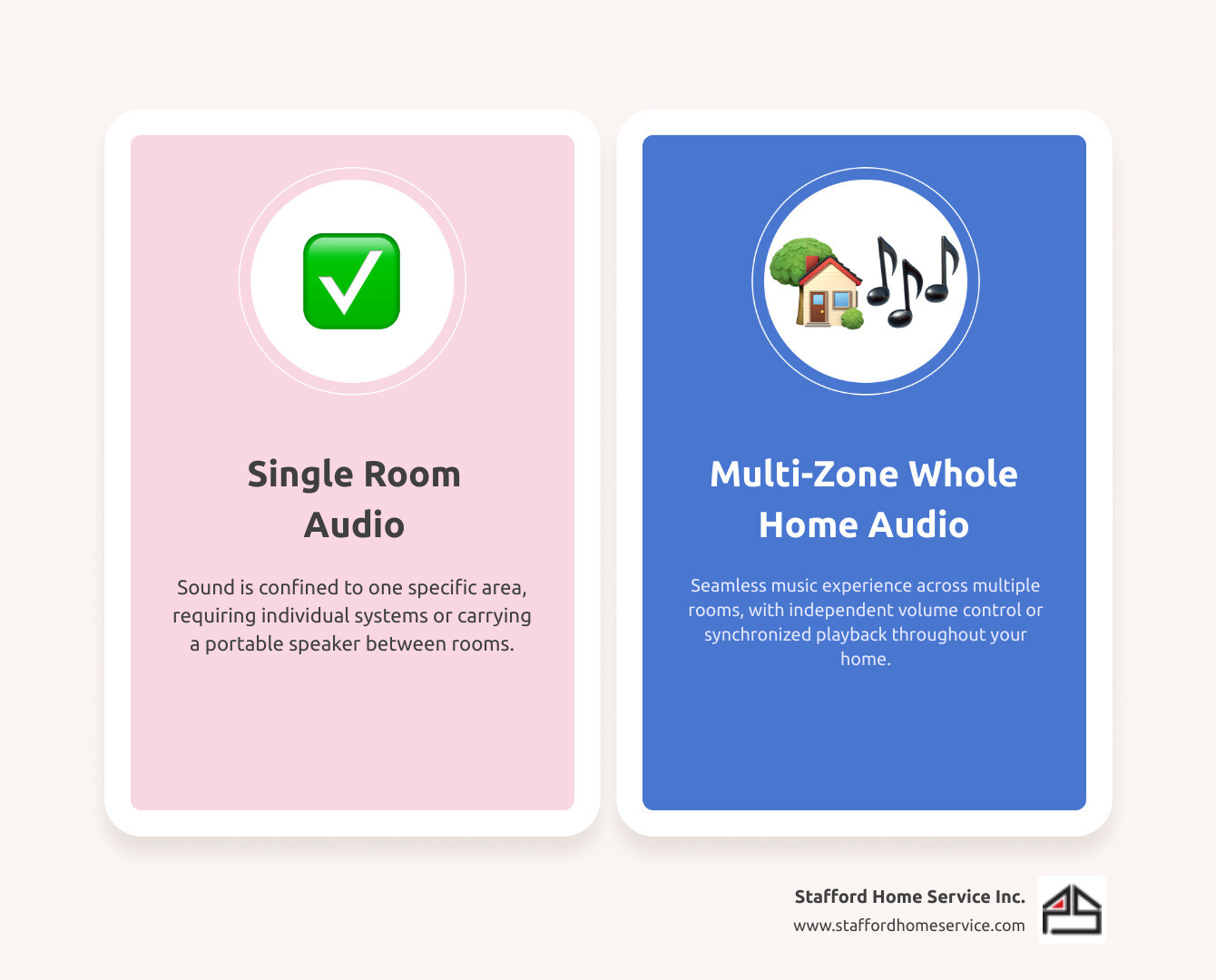
- Multi-room audio plays the same audio source in multiple rooms simultaneously. It's perfect for parties, creating a unified atmosphere where everyone hears the same music.
- Multi-zone audio provides independent control over each area (zone). You can play different sources in different zones at the same time—jazz in the office, a podcast in the kitchen, and an audiobook in the bedroom. Each zone has its own source and volume control.
Most modern systems are multi-zone capable, offering the flexibility to group zones for synchronized playback or keep them separate.
Can I add a subwoofer to a specific zone?
Yes, and it's a great way to improve bass in specific rooms like a home theater or entertainment space. Most multichannel amplifiers have preamp outputs for each zone. You can connect this output to a powered subwoofer, which has its own built-in amplifier, to add deep, rich bass exactly where you want it without affecting other zones. Always check your amplifier's manual for specific connection instructions.
How do I ensure the best sound quality in each room?
Great sound quality comes from more than just expensive speakers. Pay attention to these details:
- Speaker placement: Position speakers at ear level when seated and arrange them in an equilateral triangle with your listening spot for the best stereo image. Avoid corners where bass can sound boomy.
- Room acoustics: Hard surfaces like tile floors and bare walls create echo. Soft furnishings like rugs, curtains, and upholstered furniture absorb reflections, leading to clearer sound.
- Correct wiring: For wired systems, use the proper speaker wire gauge (12-16 gauge is recommended) to prevent signal loss. Always maintain correct polarity (positive to positive, negative to negative) to avoid thin, lifeless sound.
- Amplifier power matching: Ensure your amplifier has enough clean power to drive your speakers without distortion. Match the speaker impedance to your amplifier's specifications.
- High-resolution audio sources: Your system's output is only as good as its input. Use high-quality sources like lossless streaming services or FLAC files for the best results.
Bring Your Home to Life with Sound
Setting up a whole-home audio system is about more than technology; it's about reshaping how you live in and experience your space. From quiet mornings with coffee and jazz to lively parties with a seamless playlist, sound has the power to transform any moment.
The key to success is careful planning. Thinking through your audio zones, home layout, and lifestyle needs ensures you'll enjoy your system for years. Wired systems offer gold-standard sound quality and reliability, making them ideal for new builds and renovations. Wireless systems provide flexibility and scalability, perfect for existing homes.
While wireless setups can be a DIY project, professional installation for wired systems is crucial for achieving incredible sound. Experienced technicians ensure wires are run correctly, safety codes are met, and the final integration is seamless and invisible. This expertise makes the difference between a system that's good and one that's truly exceptional.
At Stafford Heating, Cooling, Plumbing & Electrical, we pride ourselves on quality workmanship and customer satisfaction. We design and install whole-home audio systems that improve how you experience your space every day. Our experienced team understands that your home is where your life happens, and we're dedicated to enhancing it.
Ready to bring your home to life with sound? We can help you plan the perfect sonic blueprint. Get expert help with your distributed whole house audio system and let's get started.
Customer Testimonials
Our customers consistently praise our knowledgeable technicians, prompt service, and the lasting quality of the work we deliver.